
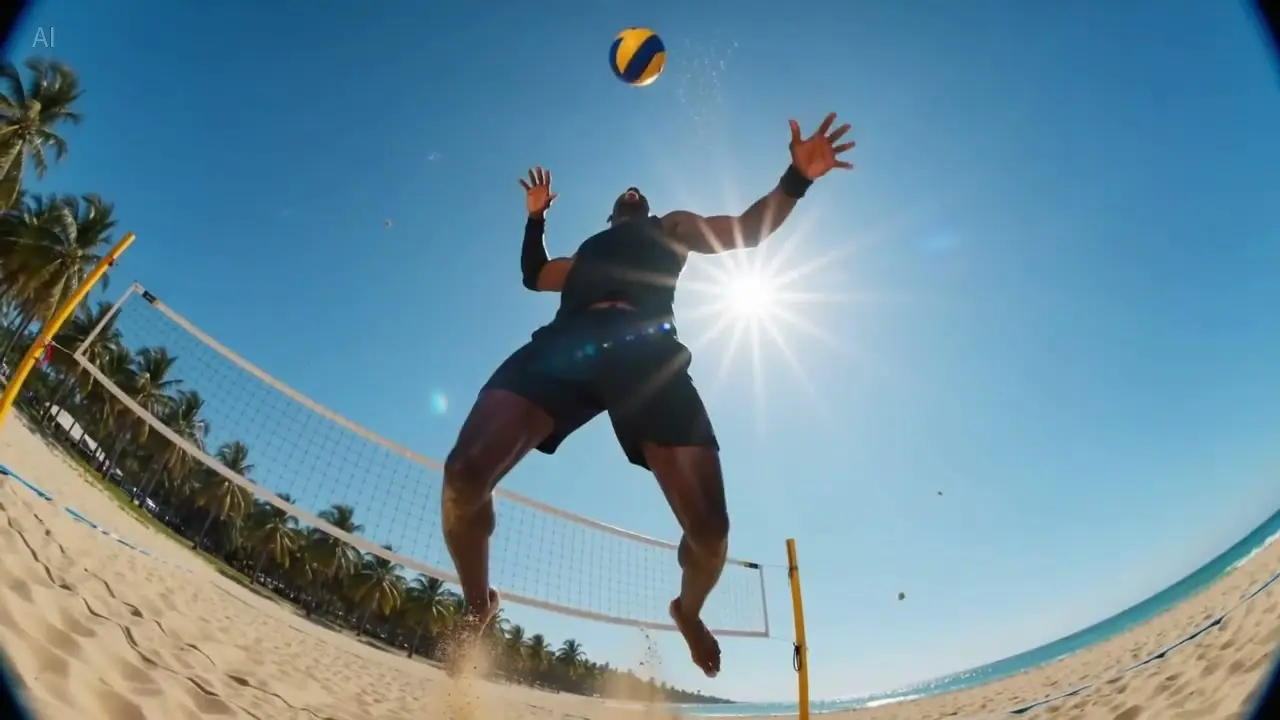
Grok Video Maker AI Video Generator
Turns your ideas into multi-shot movies in one click
Cinematic 2K quality · Auto Voice · Omni consistency
Trusted by 3 Million+ Creators Worldwide
See how professionals use Grok to produce video content at scale.











Creative Ways to Use Grok 2
Explore how Grok 2 empowers creators, marketers, and filmmakers with powerful AI video generation capabilities.

Short Dramas & Storytelling
Grok 2 is designed for cohesive storytelling—auto-filling narrative flow based on intent and keeping characters' emotions, expressions, and actions consistent across scenes. Create mini-dramas, web series pilots, and narrative content with professional cinematic quality.
Create Short Drama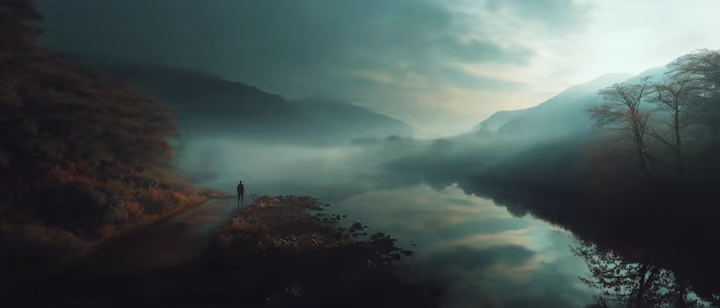
Ads, Product Demos & Brand Campaigns
Create punchy hero shots, product reveals, and lifestyle scenes with cinematic camera movements. Grok 2 delivers ad-ready footage with precise prompt following—ideal for social ads, landing page videos, and brand storytelling at scale.
Create Brand Video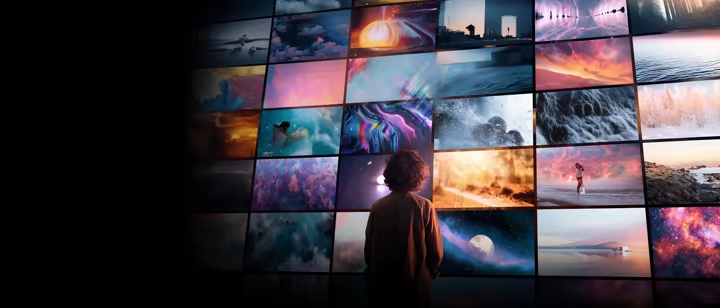
Music Videos & Visual Art
Transform your music into visual experiences with AI-generated footage that matches mood, rhythm, and atmosphere. From abstract motion graphics to cinematic sequences—Grok 2 brings audio-visual creativity to independent artists and studios alike.
Create Music Video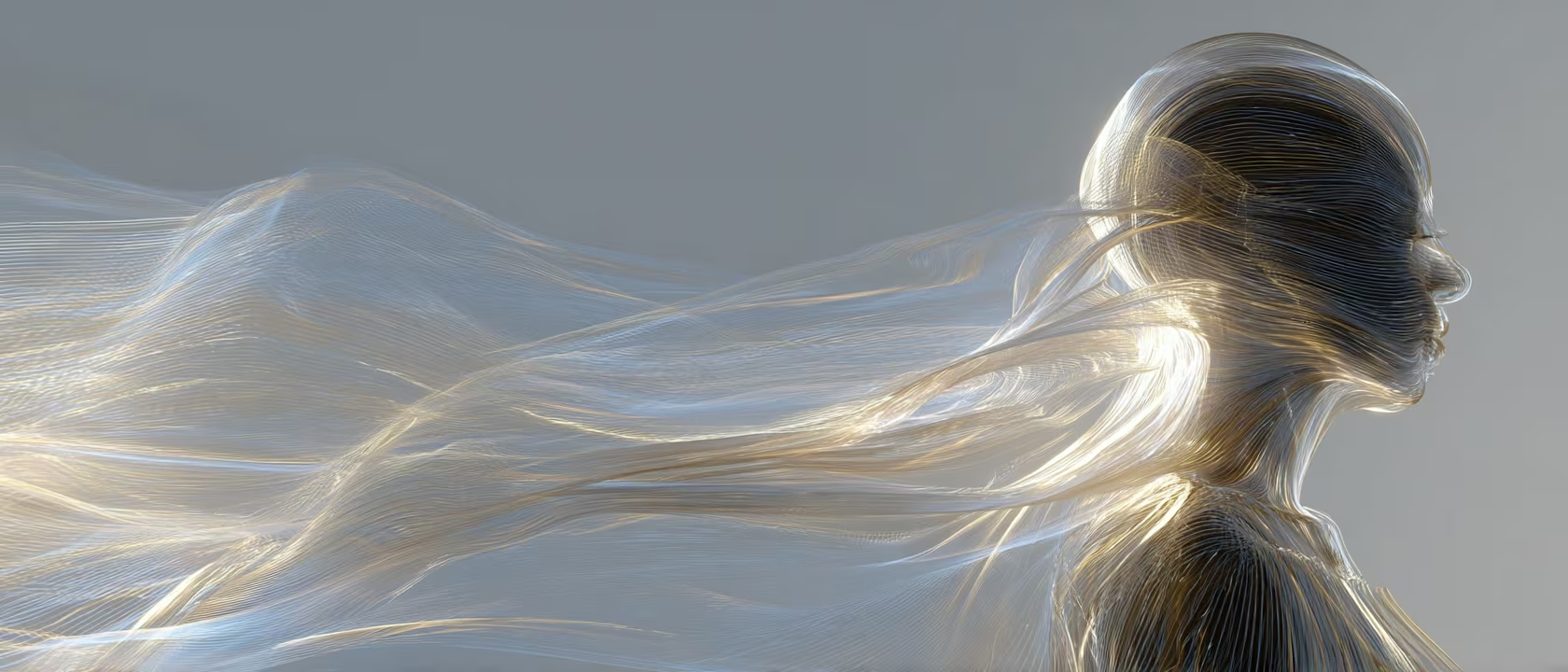
Education & Explainer Content
Turn complex ideas into engaging visual narratives. Grok 2 helps educators and trainers produce before/after demonstrations, step-by-step walkthroughs, and concept visualizations—no film crew required.
Create Explainer VideoDiscover Who Uses Grok AI Video Generator
Grok AI video powers multi-shot directing, reference-driven consistency, and frame control for real production use cases.
How to Use Grok AI Video Generator
Generate stunning Grok AI videos in three simple steps
Access Grok AI Video Generator
Visit the Grok AI video generator and start creating immediately. Choose text-to-video, image-to-video, references, or first/last frame input based on your workflow.
- •Text-to-video
- •Image-to-video
- •Reference workflow
Enter Your Grok AI Video Prompt
Type a detailed description of the Grok video you want. Set duration, aspect ratio, and motion guidance, then hit generate.
- •Flexible settings
- •Multiple grok models
Generate and Download
Preview your Grok AI video result, download in high quality MP4, or refine with another round of Grok AI video generation.
- •Download without watermark
- •Quick iteration
Why Creators Choose Grok 2 AI Video Generator
See what sets this AI video generator apart from ordinary tools. Built for professionals who demand quality, consistency, and creative control:
Native Audio Generation
Sound That Matches the Scene
Grok 2 generates synchronized audio natively with your video—no separate sound design step needed. Ambient textures, sound effects, and tonal cues are built directly into each clip.
Whether it’s rain on a rooftop, footsteps on gravel, or the hum of a city street, the AI interprets your scene and delivers audio that feels intentional and grounded.
Perfect for creators producing social content, ads, or short films who need polished audio without post-production overhead.
Film-Grade Cinematography
Director-Style Control
From close-ups capturing subtle expression to full shots with cinematic detail, composition, and atmosphere—built for director-style prompts.
Grok AI understands camera language: tracking shots, pans, push/pull movements, and lens effects. Describe the shot you want, and the AI delivers professional composition.
Ideal for filmmakers, advertisers, and content creators who need their videos to look like they were shot by a professional crew.
Multi-Shot Cohesion & Consistency
Unified Visual Storytelling
Build up to 6-shot sequences with consistent characters, environments, and style across every frame. Each shot maintains visual coherence as part of a unified narrative.
Upload reference images to lock character appearance, color palette, and scene style. The AI carries these constraints across your entire sequence without drift.
Essential for brand campaigns, episodic content, and any project where visual continuity across multiple shots is non-negotiable.
Precise Prompt Following
What You Describe Is What You Get
Grok 2 faithfully follows complex, multi-layered prompts—including spatial relationships, actions, and style directions—without ignoring details.
Specify exact camera angles, character positions, lighting conditions, and motion paths. The AI interprets your full creative brief, not just keywords.
Designed for professionals who need predictable, repeatable results from detailed creative specifications.
Grok AI vs Sora 2 and Grok AI vs Kling
The right choice depends on whether you want fast, reference-heavy Grok workflows or a different video generation stack.
| Comparison aspect | Grok AI | Sora 2 | Kling |
|---|---|---|---|
| When Grok AI is the better fit | Use Grok when you want one page that blends prompts, references, first-last frame control, and audio-aware generation. | Use Sora when your workflow is centered on the OpenAI ecosystem and cinematic generation preferences. | Use Kling when motion-focused generation and alternative video tooling matter more than the Grok-style workflow. |
| When to compare before choosing | Compare Grok when you need the main page to do more than plain text prompts. | Compare Sora if your use case leans toward a broader creative suite rather than one focused generator. | Compare Kling if you care more about a separate motion pipeline than the Grok reference flow. |
Creators Share Their Experience
See how creators are transforming their workflow
“I use Grok Video Maker for my daily tech review channel. What used to take 6-8 hours of shooting and editing now takes about 2-3 hours. Now I can create B-roll footage from just product photos. My upload frequency went from 2-3 videos per week to 5-6.”
“Grok Video Maker helped me turn static outfit photos into dynamic video transitions - my engagement rate jumped from 3.2% to 5.8% in two months. For product showcases and aesthetic B-roll? Game changer. Saves me probably 10-15 hours a week.”
“We were spending $3-5k per video ad with agencies. Now our small team produces 12-15 video ads monthly for about $500 in credits. Our click-through rate improved 47% since we started testing more creative variations.”
“Used Grok Video Maker to create pre-viz sequences from my storyboard sketches for investor pitches. Secured funding from three investors who said the visuals helped them "see my vision." Now using it for VFX planning too.”
“I use Grok Video Maker for my daily tech review channel. What used to take 6-8 hours of shooting and editing now takes about 2-3 hours. Now I can create B-roll footage from just product photos. My upload frequency went from 2-3 videos per week to 5-6.”
“Grok Video Maker helped me turn static outfit photos into dynamic video transitions - my engagement rate jumped from 3.2% to 5.8% in two months. For product showcases and aesthetic B-roll? Game changer. Saves me probably 10-15 hours a week.”
“We were spending $3-5k per video ad with agencies. Now our small team produces 12-15 video ads monthly for about $500 in credits. Our click-through rate improved 47% since we started testing more creative variations.”
“Used Grok Video Maker to create pre-viz sequences from my storyboard sketches for investor pitches. Secured funding from three investors who said the visuals helped them "see my vision." Now using it for VFX planning too.”
“I use Grok Video Maker for my daily tech review channel. What used to take 6-8 hours of shooting and editing now takes about 2-3 hours. Now I can create B-roll footage from just product photos. My upload frequency went from 2-3 videos per week to 5-6.”
“Grok Video Maker helped me turn static outfit photos into dynamic video transitions - my engagement rate jumped from 3.2% to 5.8% in two months. For product showcases and aesthetic B-roll? Game changer. Saves me probably 10-15 hours a week.”
“We were spending $3-5k per video ad with agencies. Now our small team produces 12-15 video ads monthly for about $500 in credits. Our click-through rate improved 47% since we started testing more creative variations.”
“Used Grok Video Maker to create pre-viz sequences from my storyboard sketches for investor pitches. Secured funding from three investors who said the visuals helped them "see my vision." Now using it for VFX planning too.”
“Our 8-person indie studio uses Grok Video Maker for game trailer mockups and cutscene storyboarding. We went from outsourcing trailers ($5-8k each) to creating them in-house. Latest trailer took about 3 days vs 3 weeks previously.”
“Adding AI-generated video examples to my lessons increased course completion from 34% to 61%. Students especially love the step-by-step transformation videos I create from static design mockups.”
“Product video quotes were out of reach before. With Grok Video Maker, I produce my catalog clips for a fraction of the cost. Best ROI I have seen in years for marketing spend.”
“The platform lets me batch-create an entire month of video content in one session. Consistent style, synced audio, no burnout — exactly what a social team needs.”
“Our 8-person indie studio uses Grok Video Maker for game trailer mockups and cutscene storyboarding. We went from outsourcing trailers ($5-8k each) to creating them in-house. Latest trailer took about 3 days vs 3 weeks previously.”
“Adding AI-generated video examples to my lessons increased course completion from 34% to 61%. Students especially love the step-by-step transformation videos I create from static design mockups.”
“Product video quotes were out of reach before. With Grok Video Maker, I produce my catalog clips for a fraction of the cost. Best ROI I have seen in years for marketing spend.”
“The platform lets me batch-create an entire month of video content in one session. Consistent style, synced audio, no burnout — exactly what a social team needs.”
“Our 8-person indie studio uses Grok Video Maker for game trailer mockups and cutscene storyboarding. We went from outsourcing trailers ($5-8k each) to creating them in-house. Latest trailer took about 3 days vs 3 weeks previously.”
“Adding AI-generated video examples to my lessons increased course completion from 34% to 61%. Students especially love the step-by-step transformation videos I create from static design mockups.”
“Product video quotes were out of reach before. With Grok Video Maker, I produce my catalog clips for a fraction of the cost. Best ROI I have seen in years for marketing spend.”
“The platform lets me batch-create an entire month of video content in one session. Consistent style, synced audio, no burnout — exactly what a social team needs.”
Creators Love Grok 2
Join thousands of filmmakers and content creators using Grok AI video generator.
Choose the Right Plan for Your GrokVideo Journey
Try it with starter credits, upgrade when you need more power
Basic
$99.60 billed annually
Save $259.20/year
- Up to 240 videos/year
- Commercial Use LicenseYearly Only
- Priority Queue
- No Watermark
- 1080p HD Quality
- Private Generations
- Copy Protection
- Video UpscalerYearly Only
- Frame InterpolationYearly Only
- More AI ToolsYearly Only
- Batch Generation
Standard
$288.00 billed annually
Save $310.80/year
- Up to 960 videos/year
- Commercial Use LicenseYearly Only
- Priority Queue
- No Watermark
- 1080p HD Quality
- Batch Generation
- Private Generations
- Copy Protection
- API Access
- Video UpscalerYearly Only
- Frame InterpolationYearly Only
- More AI ToolsYearly Only
- Custom Enterprise ServiceYearly Only
Premium
$360.00 billed annually
Save $828.00/year
- Up to 2,160 videos/year
- Commercial Use License
- Priority Queue
- No Watermark
- 1080p HD Quality
- Batch Generation
- Private Generations
- Copy Protection
- API Access
- Video Upscaler
- Frame Interpolation
- More AI Tools
- Custom Enterprise Service
- Dedicated Support
10,000+
Active Users
1M+
Videos Created
4.9/5
User Rating
24/7
Support
Save on Annual Plans 50%
Compare Plans
Feature comparison across all tiers
Stay Updated with Grok 2
Get the latest Grok AI video generator features, prompt templates, and exclusive offers.
More AI Tools to Enhance Your Grok AI Video
Grok AI video tools to prepare your assets and polish final results.
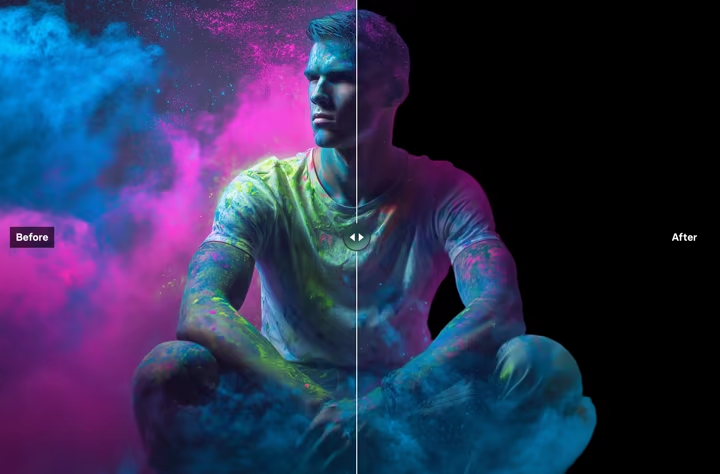
Remove Background
Instantly remove backgrounds from images with precision
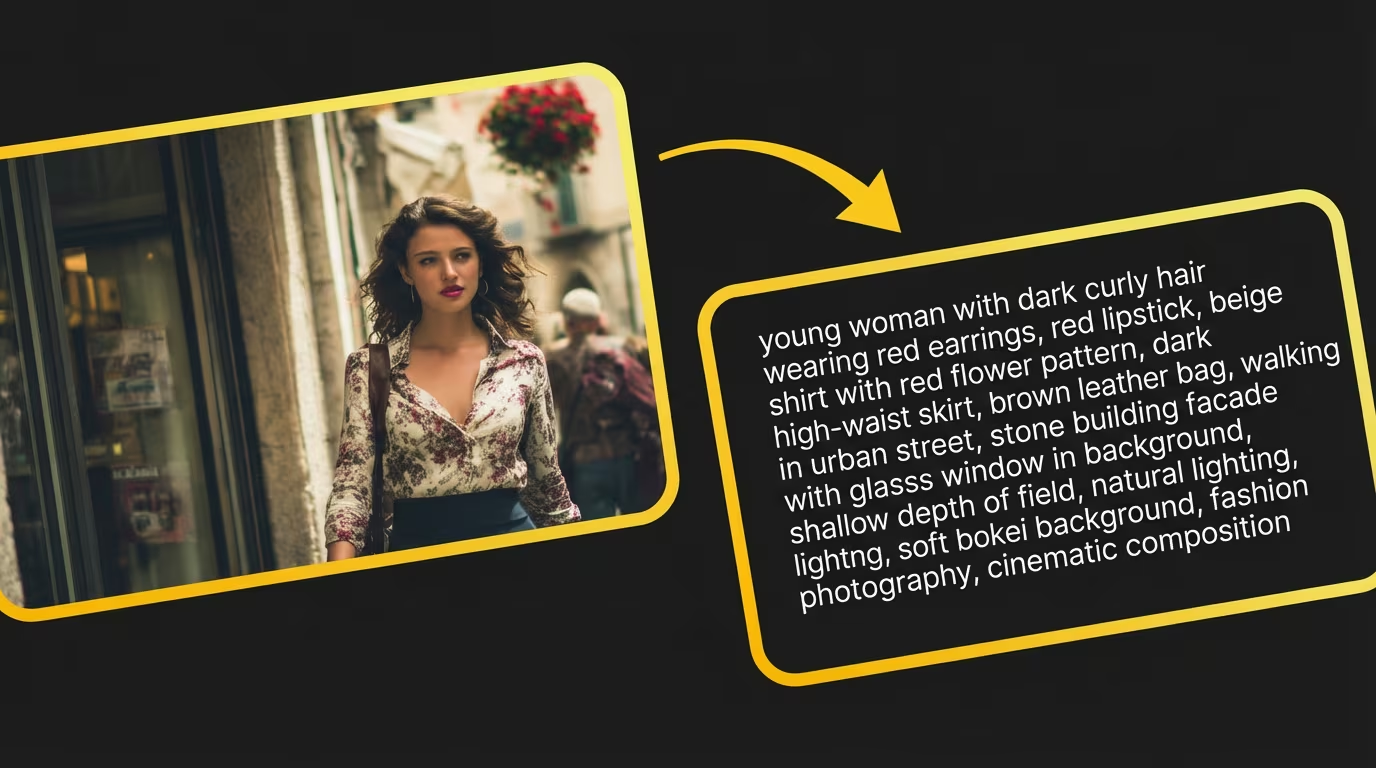
Image to Prompt
Generate detailed prompts from any image for recreation
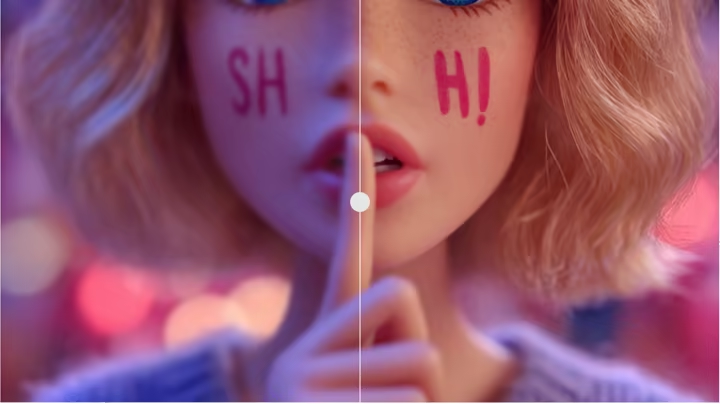
Photo Enhancer
Upscale and enhance photo quality for higher-quality input
Deep Dives and Tutorials on Grok AI Video
 GROK IMAGINE
How to Use Grok Imagine Without X Premium: 5 Sites Tested (2026)
 BLOG
BLOGGrok 2 AI Video Generator: What It Is and How to Use It Free
 BLOG
BLOGGrok AI Video Generation: Free vs Paid Features in April 2026
Frequently Asked Questions About Grok AI Video
Common questions about the Grok AI video generation platform.
Grok AI video (also searched as Sedance, Grok Video, SeedDance, Sidence, or See Dance) — is xAI's latest multimodal AI video generation platform. Grok AI video generator supports text-to-video, photo-to-video, multi-reference, and first-last-frame workflows. Upload assets or type a prompt to generate cinematic 2K Grok AI video with character consistency.
Yes. New accounts get 20 starter credits with no credit card required. Text-to-video, frame-to-video, and multi-reference all run on credits, so you can try Grok AI video generation before choosing a plan.
Yes. Grok AI video supports both text-to-video and frame-to-video workflows. Start from prompts, images, or a combination of prompt + references depending on your Grok AI video use case.
Yes. Three-reference setups are commonly used in Grok AI video to control character, style, and environment at the same time. This makes Grok AI ideal for branded content production.
With Grok AI video, you provide a start image and a last frame, and the model generates natural motion in between. Grok AI video generator creates controlled visual transitions perfect for narrative arcs.
Yes. GrokVideoMaker.com runs in any modern browser on desktop or mobile — nothing to download or install. Text-to-video, frame-to-video, and multi-reference are all available from the same page.
Yes. Grok AI video API is available on paid plans. Our RESTful API supports all Grok AI video workflows — text-to-video, image-to-video, multi-reference, and multi-shot — so you can integrate Grok AI video generation directly into your pipeline.
Grok AI video stands out with multi-shot narrative creation (up to 6 shots), 3-reference consistency, and first-last frame control. Unlike other AI video generators, Grok AI video combines prompt, image, multi-reference, and frame-guided creation in one production loop.
New accounts on GrokVideoMaker.com receive 20 starter credits to test Grok AI video generation. Paid plans or credit packs unlock more credits and priority processing.
Upload your image in the Image-to-Video tab on GrokVideoMaker.com, add an optional prompt describing the motion, and click Generate. Grok AI will animate your photo into a smooth, cinematic video clip in seconds.
There's no separate Grok video editor app — and you don't need one. GrokVideoMaker.com pairs the generator with dedicated AI tools: remove the background from any image, turn an image into a reusable prompt, and upscale or extend generated clips right in the Grok Imagine studio.
Grok Video Maker (grokvideomaker.com) is an independent Grok video generator that wraps xAI's Grok video generation models with an easy-to-use interface. It's built for every Grok video creator — content teams, marketers, and anyone who wants to produce AI videos without technical setup — no API key or coding required.
Grok 2 is xAI's second-generation model family. Video generation is powered by Aurora, xAI's dedicated video diffusion model. On GrokVideoMaker.com you always access the latest Aurora model — currently supporting 2K output, multi-shot narratives, image-to-video, and first-last-frame control.
Upload any photo in the Image-to-Video tab on GrokVideoMaker.com, add an optional motion prompt (e.g. 'waves crashing gently'), and hit Generate. Aurora animates your still image into a smooth cinematic clip in seconds, in HD quality.
Can't find what you're looking for? Contact our support team
Ready to Experience Grok 2?
Join 100K+ creators building stunning 4K results with Grok 2
No credit card required • Starter credits on sign-up • Cancel anytime