

xAI's Grok Imagine — often searched as "X Imagine" because it lives inside X — is one of the fastest AI video generators around — it topped the Artificial Analysis Video Arena for image-to-video, ahead of Runway, Kling, and Veo. The current Grok Imagine 2 turns a single sentence into a sound-enhanced clip in seconds. There's just one catch: since March 2026, generating on grok.com sits behind a paid plan. To use Grok Imagine there, you now need X Premium, Premium+, or SuperGrok (around $30/month).
Here's the good news: you don't need the official X subscription to use the Grok Imagine model at all. We tested the main Grok Imagine video generator sites that reach the model another way — and, just as importantly, separated the ones that run xAI's real Grok Imagine model from the lookalikes that only borrow the name. This is how to use Grok Imagine without X Premium, and which site fits you.
Quick Answer: The Best Way to Use Grok Imagine Without X Premium
If you want every Grok Imagine mode — text-to-video, image-to-video, text-to-image, image-to-image, upscale, and extend — in one place with no X subscription, the Grok Imagine studio at grokvideomaker.com was the most complete pick in our testing. If you only need images, imagine.art and getimg.ai are strong. The full breakdown is below.
The Best Grok Imagine Sites, Compared
| Platform | Real Grok Imagine model? | Modes | No X subscription | Pricing |
|---|---|---|---|---|
| grokvideomaker.com | Yes — via xAI's API | All six | Yes | Pay-as-you-go credits |
| imagine.art | Yes — via xAI's API | Image (+ other models) | Yes | Subscription/credits |
| getimg.ai | Yes — via xAI's API | Image, some video | Yes | Credits |
| grokimagineai.net | Independent (not xAI) | t2v, i2v, reference-to-video | Yes | One-time credits (~$10) |
| grokimagine2.io | Independent (not xAI) | t2i, t2v, i2v | Yes | Free tier + one-time $9.99–$99.99 |
None of these need an X Premium plan. And note that most "AI video generator like Grok Imagine" roundups send you to entirely different models (DALL-E, Midjourney, Flux); this list is different — it's about using the real Grok Imagine model itself. The "Real Grok Imagine model?" column is the one most roundups ignore, and the one that matters most, so let's explain it.
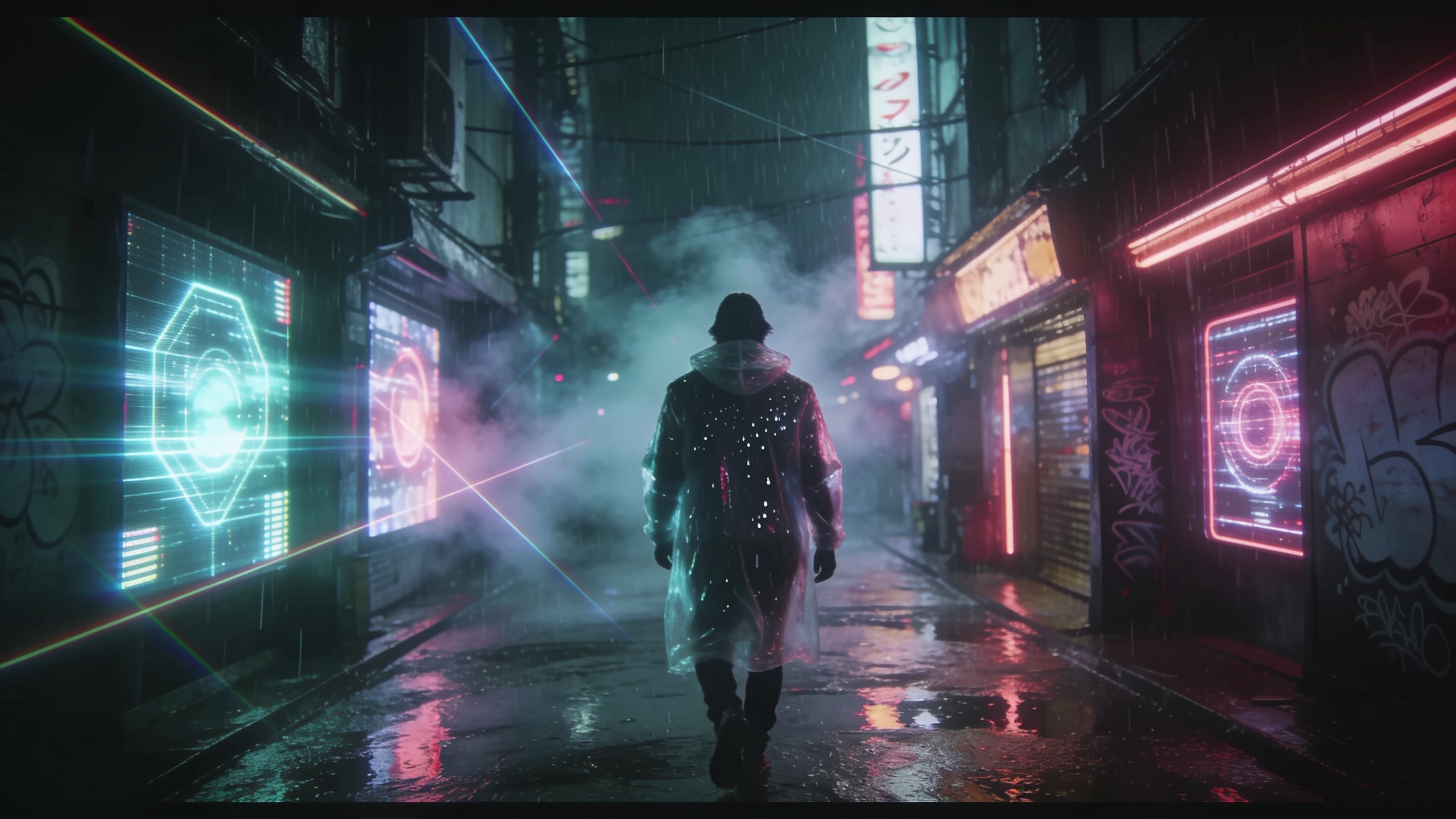
AI video generators now render cinematic frames like this from a single line of text — the kind of shot Grok Imagine is built for.
Why Grok Imagine Now Needs an X Subscription
Grok Imagine launched as a free perk inside Grok, pairing xAI's Aurora image model with its video model to generate short, sound-enhanced clips. The current Grok Imagine 2 generates short clips with native audio from a text prompt or an image. It went viral precisely because it was fast, coherent, and free.
That changed in March 2026, when xAI moved generation behind a paid X tier. Today, using Grok Imagine on grok.com means an active X Premium, Premium+, or SuperGrok plan, plus daily caps on how much you can generate. For anyone who just wants to make the occasional video — or who doesn't want to tie a creative tool to a social account and its subscription — that's exactly the friction the Grok Imagine sites below remove.
How We Evaluated These Grok Imagine Sites
We tried each Grok Imagine video generator with the same brief — a short cinematic text-to-video prompt and one image-to-video test — and judged them on five things:
- Does it run the real Grok Imagine model? Some sites call xAI's official Grok Imagine API (genuine Aurora/Grok output); others are independent apps that borrow the "Grok Imagine" name but run different models. Both can be useful — but you should know which you're using.
- Modes — text-to-video, image-to-video, text-to-image, image-to-image, upscale, and extend.
- No X subscription required — you can generate without an X Premium or SuperGrok plan.
- Pricing — how much real usage actually costs.
- Ease of use — how quickly a first-timer gets a result.

Photorealistic detail is where image-to-video shines — the fidelity a modern Grok Imagine generator aims for.
The Best Ways to Use Grok Imagine Without X Premium
1. grokvideomaker.com — Best for Every Mode in One Place
grokvideomaker.com runs the real model through xAI's official Grok Imagine API, with all six Grok Imagine modes in one interface: text-to-video, image-to-video, text-to-image, image-to-image, upscale, and extend. There's no X Premium or SuperGrok requirement; a batch of sign-up credits lets you try it, and after that you pay only for what you generate. Supported aspect ratios are 16:9, 9:16, 1:1, 2:3, and 3:2.
Best for: creators who want the complete Grok Imagine video generator toolkit — especially upscale and extend, which most sites don't offer — without a subscription.
The catch: it's credit-based rather than an all-you-can-eat plan, and it's a newer, smaller name than the platforms below. If you only ever need a single image, a general image tool may be simpler.
2. imagine.art — Best for Image Generation With Model Choice
imagine.art is an established creative platform that offers Grok image generation through xAI's API alongside a roster of other models, so you can switch between them in one workspace. It's polished, beginner-friendly, and lets you use Grok Imagine online without an X plan.
Best for: image-first creators who want Grok Imagine plus alternatives side by side.
The catch: it leans toward image generation, so it's not the place to go deep on Grok's video, upscale, or extend features.
3. getimg.ai — Best for a Broad Image Toolkit
getimg.ai is another well-known platform that resells access to the real xAI model via API, wrapped in editing tools like inpainting and upscaling. Like imagine.art, it's a multi-model suite rather than a Grok-only app.
Best for: people who want Grok image output inside a full editing suite.
The catch: video is limited compared with a dedicated Grok Imagine video generator.
4. grokimagineai.net — Best for Reference-Image Video (Independent)
grokimagineai.net is an independent web app — not affiliated with xAI — built around the Grok Imagine name. It offers text-to-video, image-to-video, and a handy reference-to-video mode using up to seven reference images, on a one-time credit top-up (from around $10 for 100 credits).
Best for: trying video generation guided by several reference images.
The catch: it's an independent platform, so its output isn't guaranteed to be xAI's genuine Grok Imagine model — treat its "Grok Imagine" branding as a style, not a promise of the official engine.
5. grokimagine2.io — Best for a Free Starting Tier (Independent)
grokimagine2.io (marketed as "Grok Imagine V2") is another independent platform covering text-to-image plus text- and image-to-video. Its draw is a free tier with limited monthly generations, with one-time paid plans ($9.99–$99.99) for higher resolutions and commercial use.
Best for: testing Grok Imagine online without signing up for a paid plan first.
The catch: same as above — it's an independent app rather than a verified xAI model, so quality and features vary.
Which Grok Imagine Site Should You Use?
- Want every mode (including upscale and extend) in one place? Go with a Grok Imagine maker that covers all six.
- Only need images? imagine.art or getimg.ai.
- Want a free tier to experiment first? grokimagine2.io.
- Working from several reference images? grokimagineai.net.
The honest rule of thumb: if running the genuine xAI Grok Imagine model matters to you, choose a platform that calls the official API (grokvideomaker.com, imagine.art, or getimg.ai). If you just want a Grok-style result, the independent apps are worth a look. And if you're weighing Grok Imagine against other engines, the Grok Imagine vs Sora 2 breakdown compares the video side head-to-head.
How to Use Grok Imagine on Any of These Sites
Whichever platform you pick, using Grok Imagine online comes down to the same three steps:
- Choose your site and mode. Open the platform (for example, a Grok Imagine creator) and pick text-to-video, image-to-video, or an image mode.
- Write your prompt (and upload a photo for the image-to-video modes). Describe the subject, the action, the camera move, and the lighting — specificity is what separates a flat clip from a cinematic one.
- Generate and download. Wait for the render, preview it, and tweak one detail if it isn't quite right. That's the whole loop; the real skill is in the prompt.

Character-driven scenes test consistency — the sort of result you'd chase across Grok Imagine's text-to-image and video modes.
Frequently Asked Questions
Do you need X Premium to use Grok Imagine? To generate on the official grok.com app, yes — since March 2026 it requires X Premium, Premium+, or SuperGrok. But you can use the Grok Imagine model without that subscription through the sites above, which reach the model via xAI's API or their own independent apps.
Does Grok generate videos with Grok Imagine? Yes. Grok Imagine is xAI's built-in image and video generator; the current Grok Imagine 2 model produces short clips with native audio from a text prompt or an image.
Can I use Grok Imagine online without signing up for X? Yes — several Grok Imagine sites let you generate in the browser without an X account. Some independent apps offer a no-signup or free tier; one Grok Imagine generator gives you sign-up credits to try every mode.
How much does a Grok Imagine video cost? It depends where you use it. On the official app, SuperGrok is around $30/month. Credit-based studios let you pay only for the videos you actually make, with resolution and length affecting the credit cost.
Do third-party "Grok Imagine" sites use the real xAI model? Some do, some don't. Platforms that call xAI's official Grok Imagine API (like grokvideomaker.com, imagine.art, and getimg.ai) run the genuine model. Many sites with "Grok Imagine" in their name are independent apps running different models — useful, but not the official engine.
What's a good AI video generator like Grok Imagine? If you specifically want the Grok Imagine look and modes without an X plan, the real-model sites in this guide — starting with the Grok Imagine video generator at grokvideomaker.com — are the closest match, because they run the actual model rather than a substitute.
Can I use Grok Imagine's video, upscale, and extend without subscribing? Yes — you can use Grok Imagine's upscale and extend on credits, alongside the other four modes, with no X subscription.
Bottom Line
Grok Imagine going paid doesn't mean losing access to the model — it just means choosing the right door. If you want the complete Grok Imagine video generator toolkit (text-to-video, image-to-video, text-to-image, image-to-image, upscale, and extend) running the real xAI model with no X Premium subscription, the all-in-one Grok Imagine studio at grokvideomaker.com is the place to start. Pick a mode, write one prompt, and you'll have a shareable clip in minutes.