
Grok Imagine AI Video & Image Generator
Turn a prompt or a single image into AI video — right in your browser, no X Premium+ subscription.
Write a line or drop an image, pick a mode, and get a video you can upscale, extend, and download in seconds.
Creative Ways to Use Grok Imagine AI
From a text-to-video prompt to animating a single image — here's what people make with the Grok Imagine video generator.

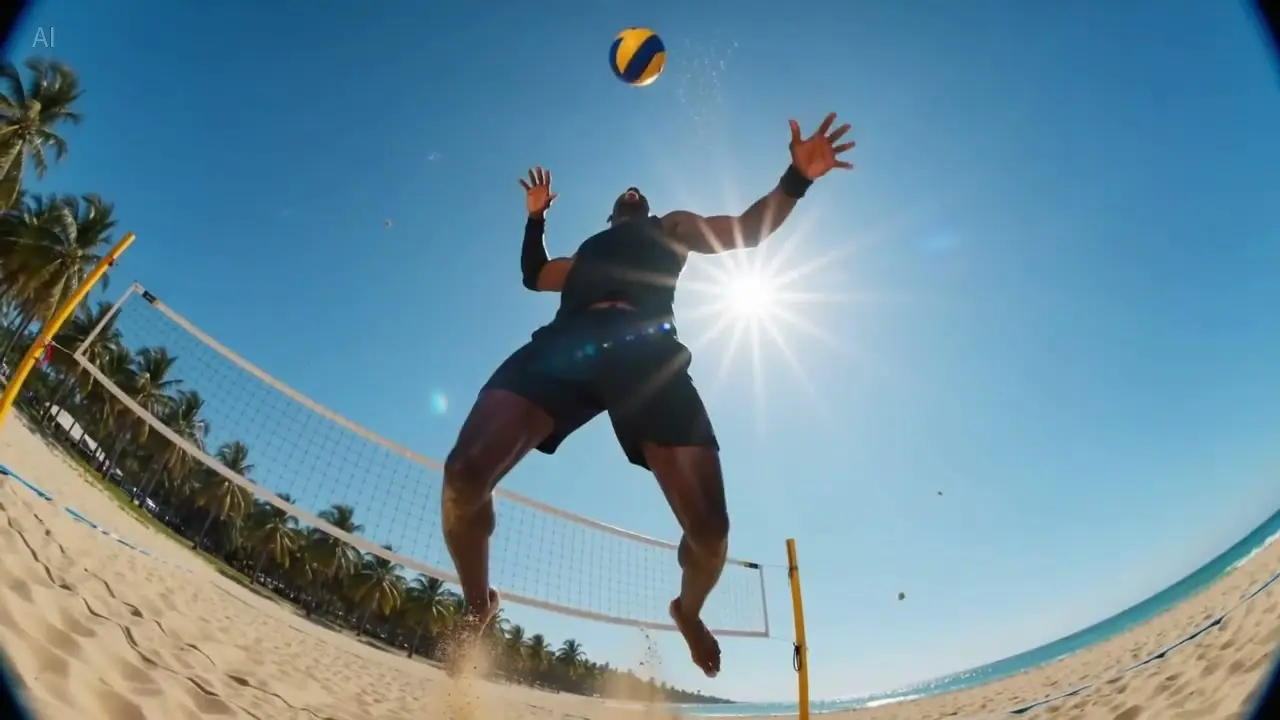
Text to video from a single prompt
Describe a scene and let the model render it as motion. Text-to-video works for cinematic shots, abstract visuals, and everything in between.
Generate with Grok Imagine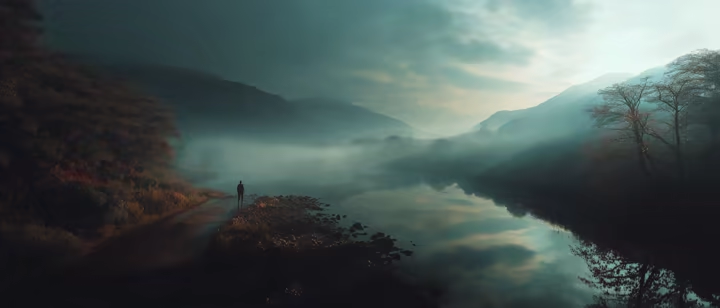
Image to video: animate one image
Drop in one image and watch it come to life as video. Image-to-video reads the scene and adds motion that fits.
Animate an image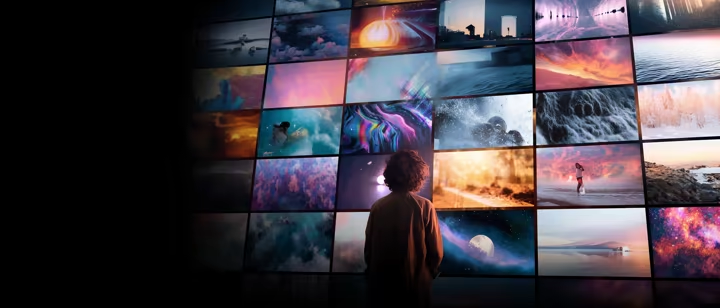
Video upscale to a crisp, share-ready clip
Push a rough render to a sharper, share-ready video. One click to upscale a video from draft quality to something you can post.
Upscale a video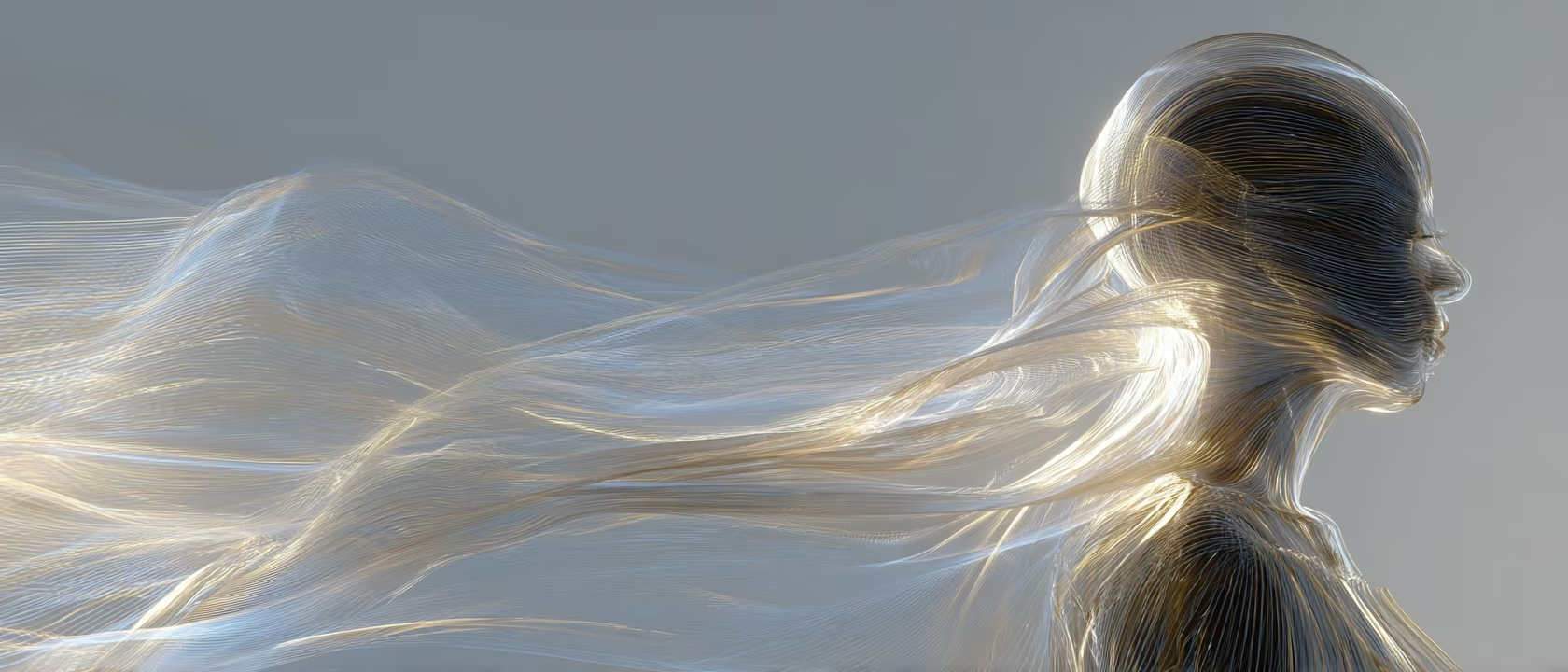
Extend a video past its first seconds
Continue a shot so the moment doesn't cut off early. Extend a video and the model picks up where the clip ends, keeping the scene going.
Extend a videoImage to image: restyle before you animate
Reimagine a picture in a new look with image-to-image, then animate it. Change the style, atmosphere, or palette — then generate motion.
Restyle an imageEvery Grok Imagine Mode in One Generator
Text-to-video, image-to-video, text-to-image, and image-to-image — plus video upscale and extend as post-processing — all in one AI video generator, no X Premium+ subscription.
Text to Video
Turn a written prompt into a short AI video clip.
When you have a scene in your head but no reference footage. Describe the shot, pick a duration and aspect ratio, and Grok Imagine renders the motion.
Try itImage to Video
Animate a single still image into motion.
When you already have a photo or render you want to bring to life. Drop the image in, add a brief description of the motion, and Grok Imagine adds movement that fits the scene.
Try itText to Image
Generate a still image from a text description with Grok Imagine.
When you need a quick visual reference or a starting frame before you animate. Choose your aspect ratio and let the model handle the composition.
Try itImage to Image
Restyle or reinterpret an existing image.
When you want to change the look, palette, or atmosphere of a photo before animating it. Drop in the source image, describe the new style, and get a transformed version back.
Try itUpscale
Sharpen a generated video to a higher resolution.
After generating a clip, upscale it to crisp output ready to share or post. One click on any completed video — no re-prompting needed.
Try itExtend
Continue a generated video past its first clip.
When the shot cuts off before the moment is complete. Add a continuation prompt and choose how many extra seconds to add — Grok Imagine picks up where the clip ended.
Try itWho Uses Grok Imagine Every Day
From first-time prompters to creators shipping daily — see who reaches for this Grok Imagine video generator to turn text and images into AI video.
How to Use Grok Imagine in 3 Steps
Learn how to use Grok Imagine online: write a text-to-video prompt or upload an image, pick a mode, and download your AI video in seconds.
Write a prompt or upload an image
Start from a line of text, or drop in one image to animate. No special syntax — just describe what you want to see.
- •Text-to-video
- •Image-to-video
- •Image-to-image
Pick a mode and generate
Choose text-to-video, image-to-video, upscale, or extend — and Grok Imagine handles the motion.
- •Text → Video
- •Image → Video
- •Upscale
- •Extend
Upscale, extend, or download
Sharpen the clip, continue the shot, or grab the finished video. Everything happens in your browser, in seconds.
- •Upscale to crisp resolution
- •Extend the shot
- •Download instantly
Why Creators Choose Grok Imagine Here
See what sets this Grok Imagine video generator apart — every mode from text to video and image to video to upscale and extend, without an X subscription.
The full suite, not one mode
Text-to-video, image-to-video, upscale, and extend in one place
Most tools give you one mode and call it done. Here you get the full Grok Imagine suite: text-to-video, image-to-video, image-to-image restyling, upscale, and extend.
Switch between modes without leaving the page. Generate a clip, upscale it, then extend the shot — all in one session.
No X Premium+ subscription
Use xAI's video model without an X account or paid plan
The official version in the X app needs a paid X Premium+ or SuperGrok plan. Here you run the same model through our own pipeline — no X account required.
You pay for what you generate, not for platform access.
Upscale and extend, not just generate
Push a clip sharper or continue the shot in one click
Generating is just the start. After your first video, upscale it to a sharper resolution or extend it to continue the shot — without re-prompting from scratch.
The model picks up the scene and keeps it going, so the moment doesn't cut off early.
Powered by Grok Imagine
The current model, running through our own pipeline
We connect directly to Grok Imagine, xAI's video and image model, without needing an X subscription.
As the model updates, so does the generator here.
Works in your browser
Nothing to download or install, on any device
Open a tab, sign in, and generate. No desktop app, no plugin, no setup. Grok Imagine runs entirely in your browser on any device.
Six languages
English, 中文, 日本語, Bahasa, Português, and العربية
The interface runs in six languages so you can work in your own. Prompts go to the model in whatever language you write them — Grok Imagine understands most.
Grok Imagine Here vs X Premium+ & Other Tools
How this AI video generator compares to the official Grok Imagine in the X app and other text-to-video tools.
| Comparison aspect | grokvideomaker | X (official) | Higgsfield · GoEnhance |
|---|---|---|---|
| Runs Grok Imagine | ✅ Same model, our own pipeline — no X account required | ✅ Inside the X app with a paid X Premium+ or SuperGrok plan | ✅ Available on Higgsfield / GoEnhance |
| No X Premium+ subscription needed | ✅ No X account or subscription required | ❌ Requires X Premium+ or SuperGrok plan | ✅ No X subscription required |
| Text-to-video & image-to-video | ✅ Both modes in one generator | ✅ Both modes in the X app | Partial — varies by platform |
| Upscale & extend in one click | ✅ Upscale and extend after generation | Partial — limited extend support | Partial — varies by platform |
| 6-language interface | ✅ EN / 中文 / 日本語 / Bahasa / PT / AR | ❌ English-primary interface | ❌ English-primary interface |
Frequently Asked Questions About Grok Imagine
Common questions about how to use Grok Imagine online — prompts, modes, video upscale, and extend.
Grok Imagine is xAI's generative model that turns a text prompt or a single image into short AI video. You describe a scene or upload an image, pick a mode, and it renders motion you can upscale, extend, and download.
Sign in, write a prompt or upload an image, choose text-to-video, image-to-video, upscale, or extend, and it generates your video in seconds — then download it.
No. The official version in the X app needs a paid X Premium+ or SuperGrok plan, but here you run the same model through our own pipeline — no X account or subscription required.
Text-to-video, image-to-video, image-to-image restyling, plus upscale and extend on a clip you've already made — the full Grok Imagine suite.
Describe the subject, the action, and the shot — e.g. camera move, lighting, and style. Short, concrete prompts render more predictably; then extend or restyle from there.
Yes — after generating, upscale the clip for a sharper result or extend it to continue the shot, both in one click.
Common image formats (JPG, PNG, WebP) for image-to-video and image-to-image. Upload one image to animate or restyle it.
Yes — sign in to use it here. Your generations stay in your account.
Your uploads and the videos you create stay in your account and are not shared publicly.
Can't find what you're looking for? Contact our support team
Ready to Create with Grok Imagine?
Write a prompt or drop in an image, pick a mode, and get an AI video you can upscale, extend, and download — all in your browser, in seconds.
Powered by Grok Imagine · No X Premium+ subscription · Download instantly