
Grok Video Maker AI動画ジェネレーター
アイデアをワンクリックでマルチショットのムービーに
シネマティックな2K画質 · 音声自動生成 · キャラクターの一貫性
Trusted by 3 Million+ Creators Worldwide
See how professionals use Grok to produce video content at scale.













Grok 2のクリエイティブな活用アイデア
クリエイター、マーケター、映像制作者がGrok 2のAI動画生成をどう活かしているかをご紹介します。
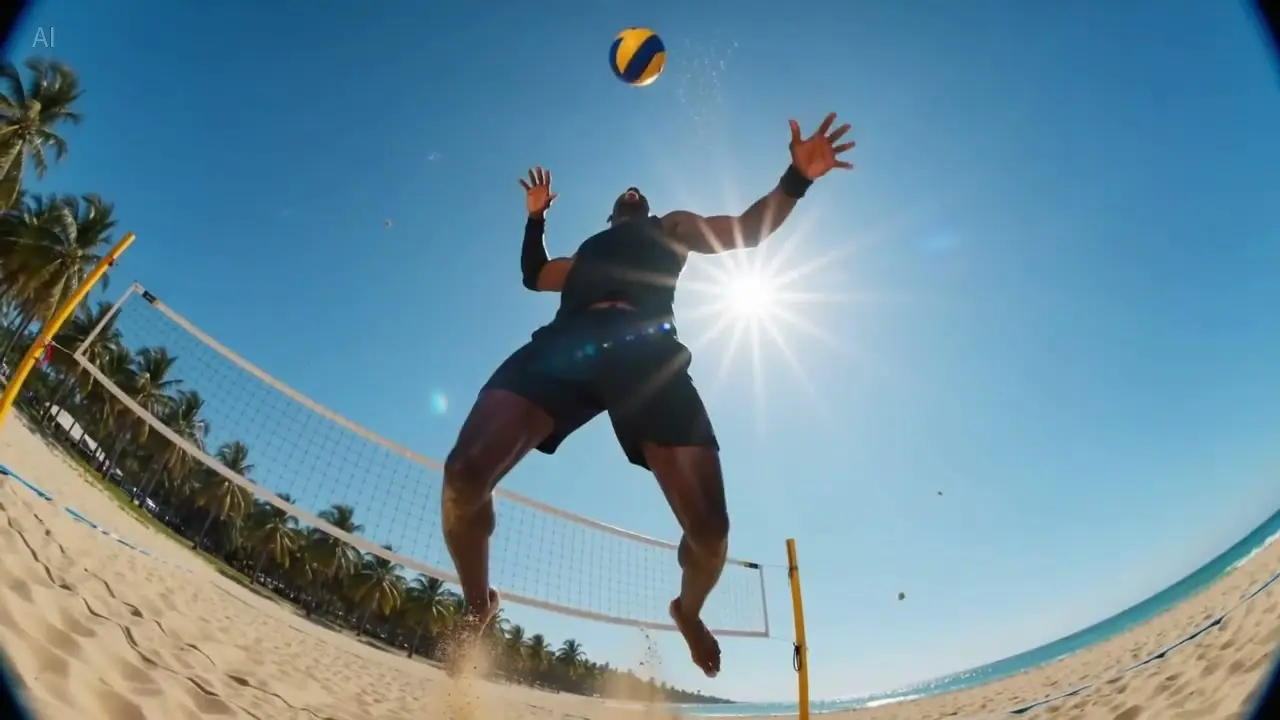
ショートドラマ・ストーリーテリング
Grok 2は一貫したストーリーテリングのために設計されています。意図をくみ取って物語の流れを補い、シーンをまたいでもキャラクターの感情・表情・動きがぶれません。ミニドラマやWeb連載ドラマのパイロット版を、プロ並みのシネマティックな品質で作れます。
ショートドラマを作る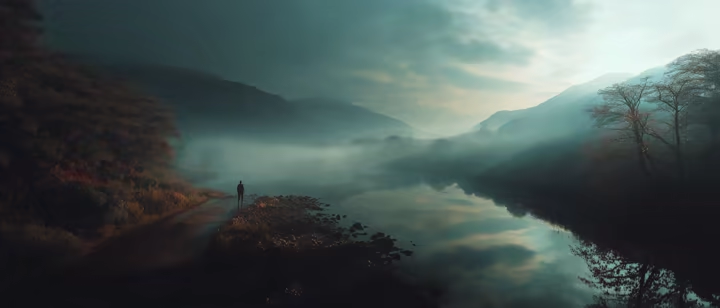
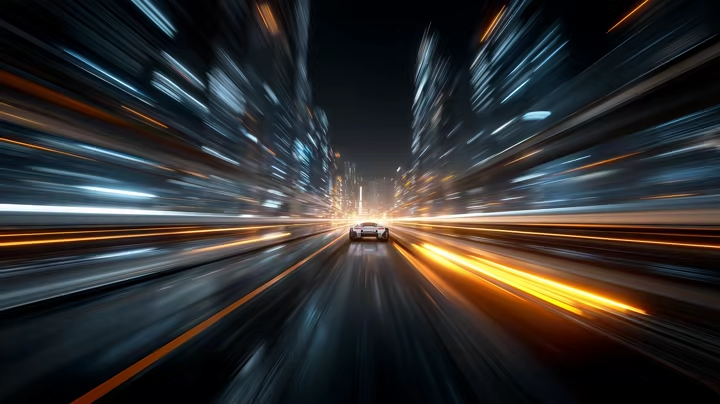
広告・商品デモ・ブランドキャンペーン
シネマティックなカメラワークで、印象的なヒーローショットや商品のお披露目シーン、ライフスタイル映像を作成。プロンプトへの忠実な追従で広告にそのまま使える映像が得られ、SNS広告やLPの動画、ブランドストーリーの量産に最適です。
ブランド動画を作る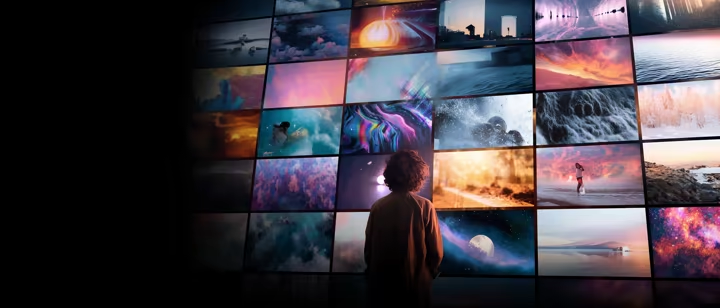
ミュージックビデオ・ビジュアルアート
楽曲のムード・リズム・空気感に合わせたAI生成映像で、音楽を視覚体験に変えましょう。抽象的なモーショングラフィックスからシネマティックなシーケンスまで、インディーズアーティストからスタジオまで幅広く使えます。
MVを作る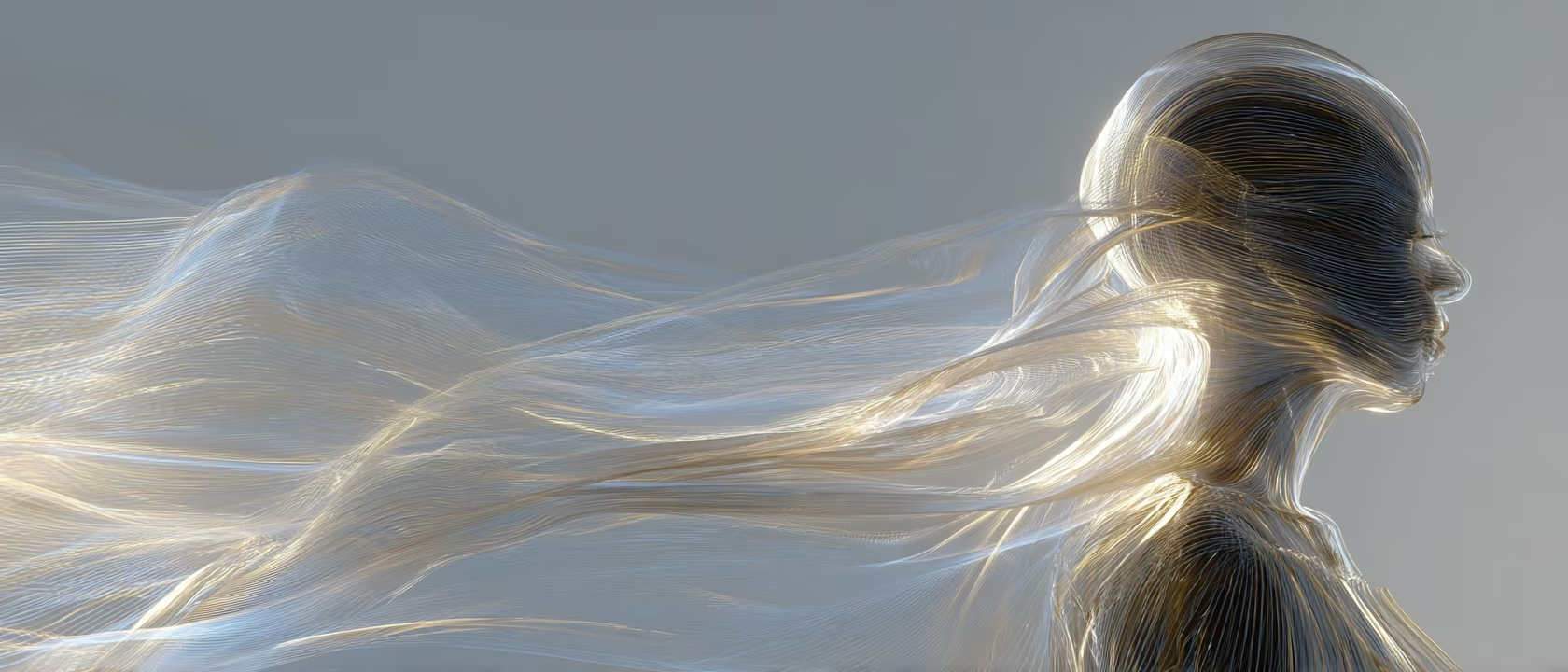
Grok AI動画ジェネレーターは こんな人 に使われています
Grok AI動画は、マルチショット演出、参照画像による一貫性、フレーム制御など、実制作で使える機能を備えています。
Grok AI動画ジェネレーターの使い方
3つの簡単なステップで、思い通りのAI動画を生成できます
ジェネレーターにアクセス
Grok AI動画ジェネレーターを開いたら、すぐに制作開始。テキストから動画、画像から動画、参照画像、最初/最後のフレーム入力から、ワークフローに合うものを選びます。
- •テキストから動画
- •画像から動画
- •参照画像ワークフロー
プロンプトを入力
作りたい動画を詳しく説明するプロンプトを入力。長さやアスペクト比、動きの指定を設定して、生成ボタンを押すだけです。
- •柔軟な設定
- •複数のGrokモデル
生成してダウンロード
生成結果をプレビューして、高画質MP4でダウンロード。納得がいくまで何度でも作り直せます。
- •ウォーターマークなしでダウンロード
- •素早い再生成
クリエイターがGrok 2 AI動画ジェネレーターを選ぶ理由
ほかのAI動画ツールと何が違うのか。品質・一貫性・クリエイティブの自由度を求めるプロのために作られています。
ネイティブ音声生成
シーンに寄り添うサウンド
Grok 2は映像と同時に、同期した音声をネイティブに生成します。環境音、効果音、トーンの演出が各クリップに最初から組み込まれ、別途サウンドデザインをする必要がありません。
屋根を打つ雨音、砂利を踏む足音、街のざわめき。AIがシーンを読み取り、その場にあるべき音を届けます。
SNSコンテンツや広告、ショートフィルムを作るクリエイターが、ポストプロダクションの手間なく完成度の高い音声を手に入れられます。
映画品質の撮影表現
監督視点のコントロール
繊細な表情を捉えるクローズアップから、構図と空気感まで作り込まれたフルショットまで。監督が出すような指示をそのままプロンプトにできます。
Grok AIはカメラの言語を理解します。トラッキングショット、パン、プッシュ/プル、レンズ効果。欲しいショットを言葉で説明すれば、プロ品質の構図で返ってきます。
「プロのクルーが撮ったように見える映像」が必要な映像作家・広告制作者・コンテンツクリエイターに最適です。
マルチショットの一貫性
まとまりのあるビジュアルストーリー
キャラクター・環境・スタイルを全フレームで保ったまま、最大6ショットのシーケンスを構築。各ショットがひとつの物語として視覚的につながります。
参照画像をアップロードすれば、キャラクターの見た目・配色・シーンのスタイルを固定。シーケンス全体でブレることがありません。
ブランドキャンペーンやエピソード形式のコンテンツなど、ショット間の視覚的な連続性が譲れないプロジェクトに欠かせません。
プロンプトへの忠実さ
書いたとおりの映像に
空間関係、アクション、スタイル指定を含む複雑で多層的なプロンプトでも、細部を取りこぼさず忠実に反映します。
カメラアングル、キャラクターの位置、ライティング、動きの軌道まで正確に指定可能。キーワードの拾い読みではなく、クリエイティブブリーフ全体を解釈します。
詳細な仕様から予測可能で再現性のある結果を求めるプロフェッショナルのための設計です。
Grok AI vs Sora 2、Grok AI vs Kling
参照画像を多用する高速なGrokワークフローが合うのか、別の動画生成スタックが合うのか。選び方の目安です。
| Comparison aspect | Grok AI | Sora 2 | Kling |
|---|---|---|---|
| Grok AIが向いているケース | プロンプト・参照画像・最初/最後のフレーム制御・音声対応の生成を1ページで完結させたいならGrokを。 | OpenAIエコシステム中心のワークフローで、シネマティックな生成を好むならSoraを。 | Grok流のワークフローよりも、モーション特化の生成や別系統の動画ツールを重視するならKlingを。 |
| 選ぶ前に比較すべきケース | メインページに「テキストプロンプト以上」の機能を求めるならGrokを比較対象に。 | 単機能のジェネレーターより幅広いクリエイティブスイートに寄せたいならSoraを比較対象に。 | Grokの参照フローより独立したモーションパイプラインを重視するならKlingを比較対象に。 |
Creators Share Their Experience
See how creators are transforming their workflow
“I use Grok Video Maker for my daily tech review channel. What used to take 6-8 hours of shooting and editing now takes about 2-3 hours. Now I can create B-roll footage from just product photos. My upload frequency went from 2-3 videos per week to 5-6.”
“Grok Video Maker helped me turn static outfit photos into dynamic video transitions - my engagement rate jumped from 3.2% to 5.8% in two months. For product showcases and aesthetic B-roll? Game changer. Saves me probably 10-15 hours a week.”
“We were spending $3-5k per video ad with agencies. Now our small team produces 12-15 video ads monthly for about $500 in credits. Our click-through rate improved 47% since we started testing more creative variations.”
“Used Grok Video Maker to create pre-viz sequences from my storyboard sketches for investor pitches. Secured funding from three investors who said the visuals helped them "see my vision." Now using it for VFX planning too.”
“I use Grok Video Maker for my daily tech review channel. What used to take 6-8 hours of shooting and editing now takes about 2-3 hours. Now I can create B-roll footage from just product photos. My upload frequency went from 2-3 videos per week to 5-6.”
“Grok Video Maker helped me turn static outfit photos into dynamic video transitions - my engagement rate jumped from 3.2% to 5.8% in two months. For product showcases and aesthetic B-roll? Game changer. Saves me probably 10-15 hours a week.”
“We were spending $3-5k per video ad with agencies. Now our small team produces 12-15 video ads monthly for about $500 in credits. Our click-through rate improved 47% since we started testing more creative variations.”
“Used Grok Video Maker to create pre-viz sequences from my storyboard sketches for investor pitches. Secured funding from three investors who said the visuals helped them "see my vision." Now using it for VFX planning too.”
“I use Grok Video Maker for my daily tech review channel. What used to take 6-8 hours of shooting and editing now takes about 2-3 hours. Now I can create B-roll footage from just product photos. My upload frequency went from 2-3 videos per week to 5-6.”
“Grok Video Maker helped me turn static outfit photos into dynamic video transitions - my engagement rate jumped from 3.2% to 5.8% in two months. For product showcases and aesthetic B-roll? Game changer. Saves me probably 10-15 hours a week.”
“We were spending $3-5k per video ad with agencies. Now our small team produces 12-15 video ads monthly for about $500 in credits. Our click-through rate improved 47% since we started testing more creative variations.”
“Used Grok Video Maker to create pre-viz sequences from my storyboard sketches for investor pitches. Secured funding from three investors who said the visuals helped them "see my vision." Now using it for VFX planning too.”
“Our 8-person indie studio uses Grok Video Maker for game trailer mockups and cutscene storyboarding. We went from outsourcing trailers ($5-8k each) to creating them in-house. Latest trailer took about 3 days vs 3 weeks previously.”
“Adding AI-generated video examples to my lessons increased course completion from 34% to 61%. Students especially love the step-by-step transformation videos I create from static design mockups.”
“Product video quotes were out of reach before. With Grok Video Maker, I produce my catalog clips for a fraction of the cost. Best ROI I have seen in years for marketing spend.”
“The platform lets me batch-create an entire month of video content in one session. Consistent style, synced audio, no burnout — exactly what a social team needs.”
“Our 8-person indie studio uses Grok Video Maker for game trailer mockups and cutscene storyboarding. We went from outsourcing trailers ($5-8k each) to creating them in-house. Latest trailer took about 3 days vs 3 weeks previously.”
“Adding AI-generated video examples to my lessons increased course completion from 34% to 61%. Students especially love the step-by-step transformation videos I create from static design mockups.”
“Product video quotes were out of reach before. With Grok Video Maker, I produce my catalog clips for a fraction of the cost. Best ROI I have seen in years for marketing spend.”
“The platform lets me batch-create an entire month of video content in one session. Consistent style, synced audio, no burnout — exactly what a social team needs.”
“Our 8-person indie studio uses Grok Video Maker for game trailer mockups and cutscene storyboarding. We went from outsourcing trailers ($5-8k each) to creating them in-house. Latest trailer took about 3 days vs 3 weeks previously.”
“Adding AI-generated video examples to my lessons increased course completion from 34% to 61%. Students especially love the step-by-step transformation videos I create from static design mockups.”
“Product video quotes were out of reach before. With Grok Video Maker, I produce my catalog clips for a fraction of the cost. Best ROI I have seen in years for marketing spend.”
“The platform lets me batch-create an entire month of video content in one session. Consistent style, synced audio, no burnout — exactly what a social team needs.”
Creators Love Grok 2
Join thousands of filmmakers and content creators using Grok AI video generator.
ぴったりのプランを選んで GrokVideoを使いこなそう
お試しクレジットで始めて、必要になったらアップグレード
Basic
年額 $99.60 一括請求
年間 $259.20 お得
- Up to 240 videos/year
- Commercial Use LicenseYearly Only
- Priority Queue
- No Watermark
- 1080p HD Quality
- Private Generations
- Copy Protection
- Video UpscalerYearly Only
- Frame InterpolationYearly Only
- More AI ToolsYearly Only
- Batch Generation
Standard
年額 $288.00 一括請求
年間 $310.80 お得
- Up to 960 videos/year
- Commercial Use LicenseYearly Only
- Priority Queue
- No Watermark
- 1080p HD Quality
- Batch Generation
- Private Generations
- Copy Protection
- API Access
- Video UpscalerYearly Only
- Frame InterpolationYearly Only
- More AI ToolsYearly Only
- Custom Enterprise ServiceYearly Only
Premium
年額 $360.00 一括請求
年間 $828.00 お得
- Up to 2,160 videos/year
- Commercial Use License
- Priority Queue
- No Watermark
- 1080p HD Quality
- Batch Generation
- Private Generations
- Copy Protection
- API Access
- Video Upscaler
- Frame Interpolation
- More AI Tools
- Custom Enterprise Service
- Dedicated Support
10,000+
アクティブユーザー
1M+
生成された動画
4.9/5
ユーザー評価
24/7
サポート
Save on Annual Plans 50%
プラン比較
全プランの機能をまとめて比較
Stay Updated with Grok 2
Get the latest Grok AI video generator features, prompt templates, and exclusive offers.
もっと使えるAIツール で動画制作をレベルアップ
素材づくりから仕上げまで使えるAIツールをご用意しています。
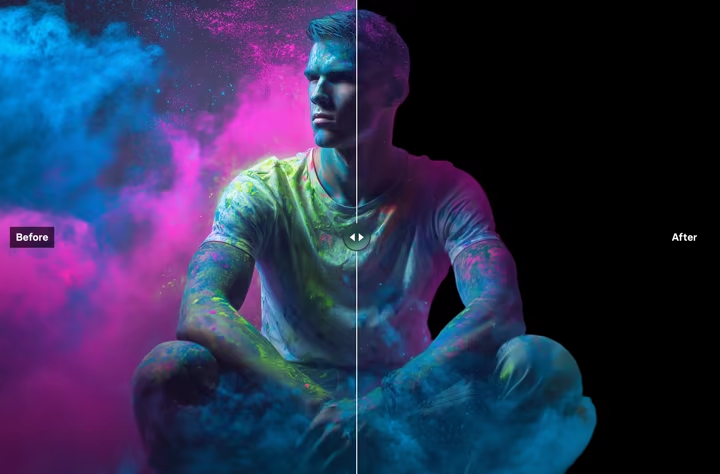
背景透過(背景削除)
画像の背景をAIが高精度で一瞬で削除します
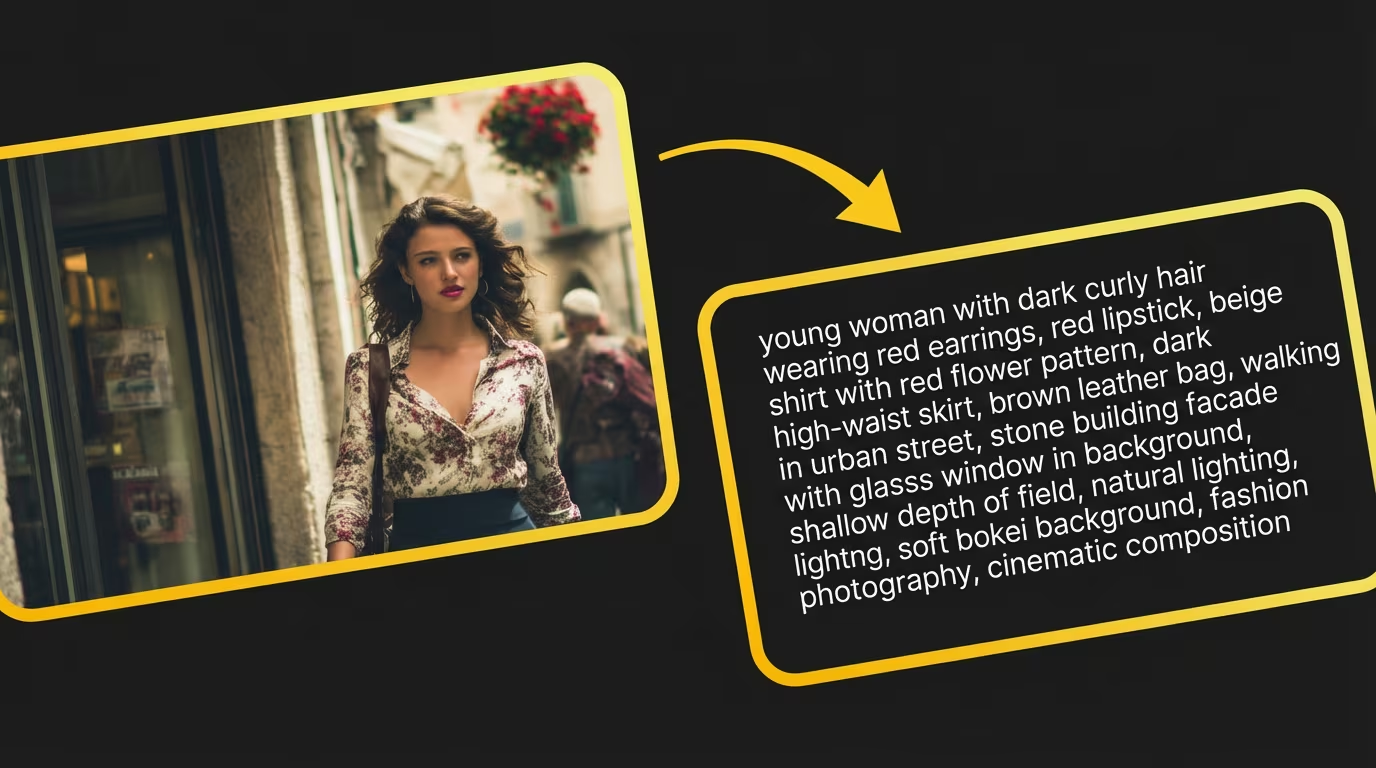
画像からプロンプト生成
どんな画像からも、再現用の詳細なAIプロンプトを生成
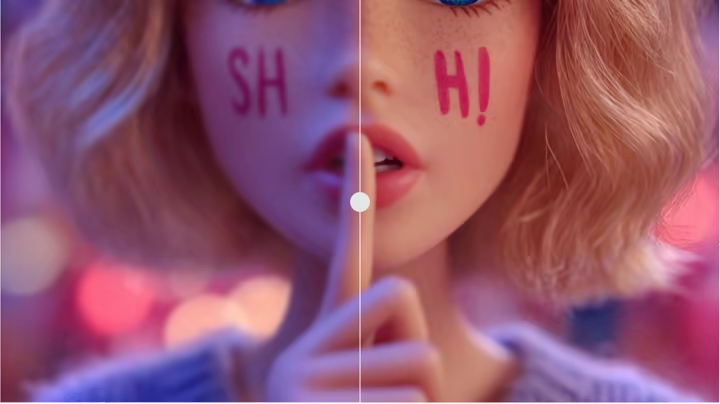
写真高画質化
アップスケールで写真を高画質化し、入力素材の品質を向上
Grok AI動画の 徹底解説とチュートリアル

Grok AI動画に関するよくある質問
Grok AI動画生成プラットフォームについて、よくいただく質問にお答えします。
Grok AI動画は、xAIの最新マルチモーダルAI動画生成プラットフォームです。テキストから動画、写真から動画、マルチリファレンス、最初/最後のフレーム指定の各ワークフローに対応。素材をアップロードするか、プロンプトを入力するだけで、キャラクターの一貫性を保ったシネマティックな2K動画を生成できます。
はい。新規登録で20のお試しクレジットが付与され、クレジットカードの登録は不要です。テキストから動画・フレームから動画・マルチリファレンスのすべてをクレジットでお試しいただけます。
はい。テキストから動画とフレームから動画の両方のワークフローに対応しています。プロンプトだけでも、画像だけでも、プロンプト+参照画像の組み合わせでも、用途に合わせて始められます。
はい。キャラクター・スタイル・環境を同時にコントロールする手法として、3枚参照はよく使われています。ブランドコンテンツの制作に特に有効です。
開始画像と最後のフレームを指定すると、その間の自然な動きをモデルが生成します。物語の展開に合わせた、コントロールされた映像のつなぎが作れます。
はい。有料プランでGrok AI動画APIをご利用いただけます。RESTful APIがテキストから動画・画像から動画・マルチリファレンス・マルチショットの全ワークフローに対応しており、既存のパイプラインに直接組み込めます。
Grok AI動画の強みは、最大6ショットのマルチショット構成、3枚参照による一貫性、最初/最後のフレーム制御です。プロンプト・画像・参照・フレーム指定を1つの制作ループにまとめている点が、ほかのAI動画ジェネレーターとの大きな違いです。
GrokVideoMaker.comの「画像から動画」タブで画像をアップロードし、動きを説明するプロンプト(任意)を添えて生成ボタンを押すだけ。数秒で写真が滑らかなシネマティック動画になります。
Grok Video Maker(grokvideomaker.com)は、xAIのGrok動画生成モデルを使いやすいインターフェースで提供するオンラインプラットフォームです。APIキーもコーディングも不要で、コンテンツクリエイターやマーケターをはじめ、手軽にAI動画を作りたいすべての人のために設計されています。
Can't find what you're looking for? Contact our support team
Grok 2 を体験する準備はできましたか?
10万人以上のクリエイターに加わって、Grok 2で美しい4K作品を作りましょう
クレジットカード不要 • 登録でお試しクレジット付与 • いつでも解約可能